Hard to use on mobile
Text is small or the layout breaks, forcing zooming and horizontal scrolling. Most visitors arrive on mobile and leave at the first screen.
A website starts aging the moment it launches. Customer search habits and devices keep changing, and if the website stays the same, visits and inquiries slowly decline. This post covers the signs it is time to consider a redesign and what to check before rebuilding.
A website redesign is not a new coat of paint — it re-architects structure, content, and inquiry paths around today's search environment and customer journey. When several warning signs overlap, start with a diagnosis.
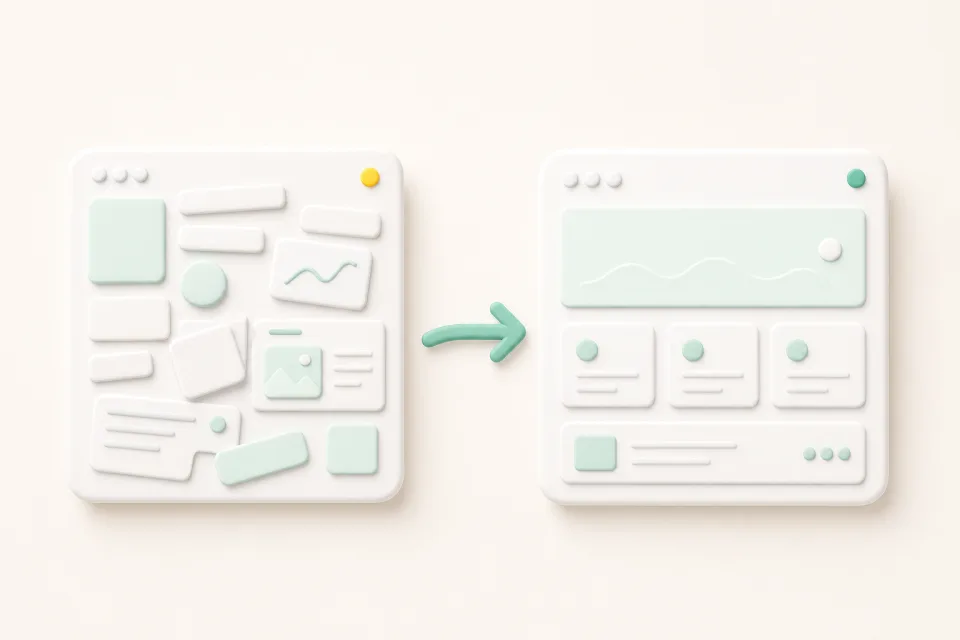
Text is small or the layout breaks, forcing zooming and horizontal scrolling. Most visitors arrive on mobile and leave at the first screen.
Prices, service scope, and business details are stuck in the past. Updating is cumbersome, so nothing gets fixed — and customers have to ask again to confirm.
The website exists, yet it barely shows up for service or area-name searches, and when customers ask AI, it is missing or described with outdated information.
Only a phone number sits on the page, or the inquiry button lives on a single page, so interested visitors never reach the next step.
First separate what is actually broken — structure, content, or the inquiry path. Depending on the diagnosis, a partial improvement can be enough instead of a full redesign.
Pages split by search intent, clear titles and summaries, and FAQ structures that answer real questions rebuild a foundation search and AI answer environments can read.
Make prices, services, news, and FAQs easy to update, so the information does not age again after the redesign.
When page addresses change, design the transition so old addresses lead to the new ones — keeping accumulated search visibility and external links intact.
If two or more items fail, it is time to consider a redesign. That said, a redesign does not guarantee higher rankings or more inquiries. The safe order is to diagnose first, separate the problems, and reorganize the structure before anything else.
It depends on the diagnosis. If the underlying structure is healthy, a partial improvement of content and inquiry paths is enough; if the structure no longer matches today's customer journey, redesigning from the ground up is often faster.
Sudden changes to page addresses and content can cause temporary swings. Connecting old addresses to new ones and preserving core content reduces the risk, but ranking movement itself is an area no one can guarantee.
A visual refresh alone leaves outdated information, weak search visibility, and broken inquiry paths untouched. A redesign pays off when structure, content, and paths are reorganized together — the design is the vessel that carries that result.
It depends on the current state of the website, page scope, and language coverage. After diagnosing the current structure in a consultation, we outline the improvement scope, schedule, and cost baseline.
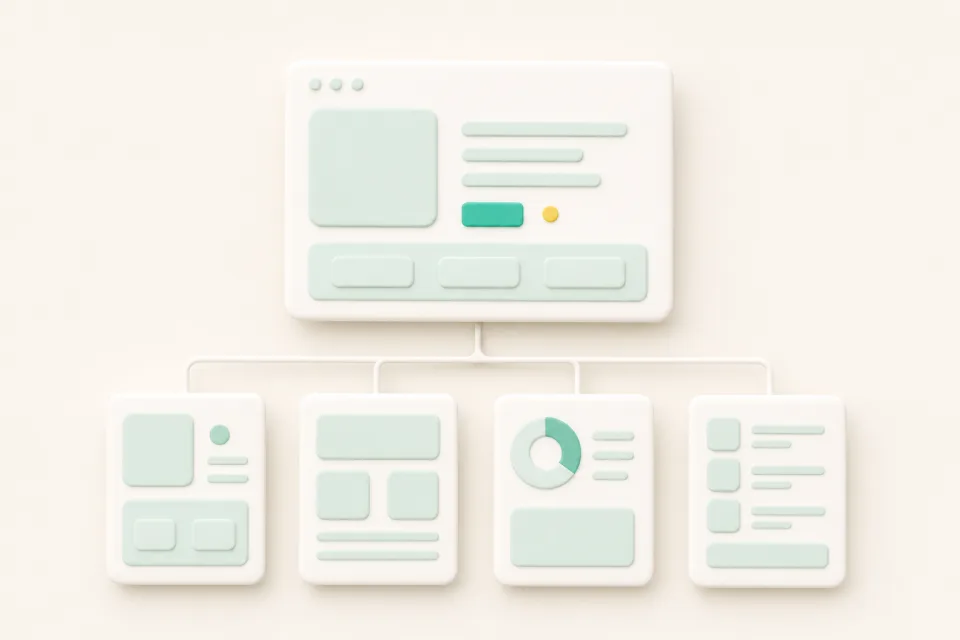
Your website is the base path where customers discover your service in search and AI answers, verify trust, and move to an inquiry. Here are the signs it is time to reorganize it.
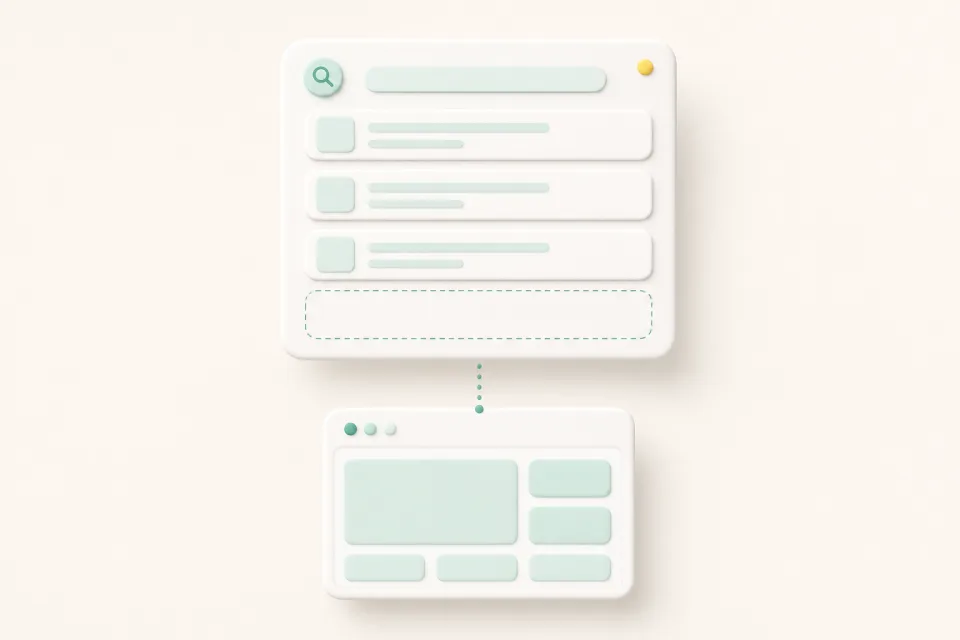
The main reasons a website doesn't show up on Google are that it isn't indexed yet, its structure is hard for search engines to read, or no page answers the queries customers type. This post walks through diagnosing and fixing each cause.