Weekly manual routines
Reports, copy-paste data handling, and inquiry collation repeat in the same shape every week.
Every team has repeated work that standard modules — website, content, chatbot — do not solve. This post covers how to find that work and scope its automation safely.
Custom AX is an adoption path that discovers repeated work standard modules do not solve, then scopes automation, internal tools, and external tool integrations on the premise of staff review and approval flows.
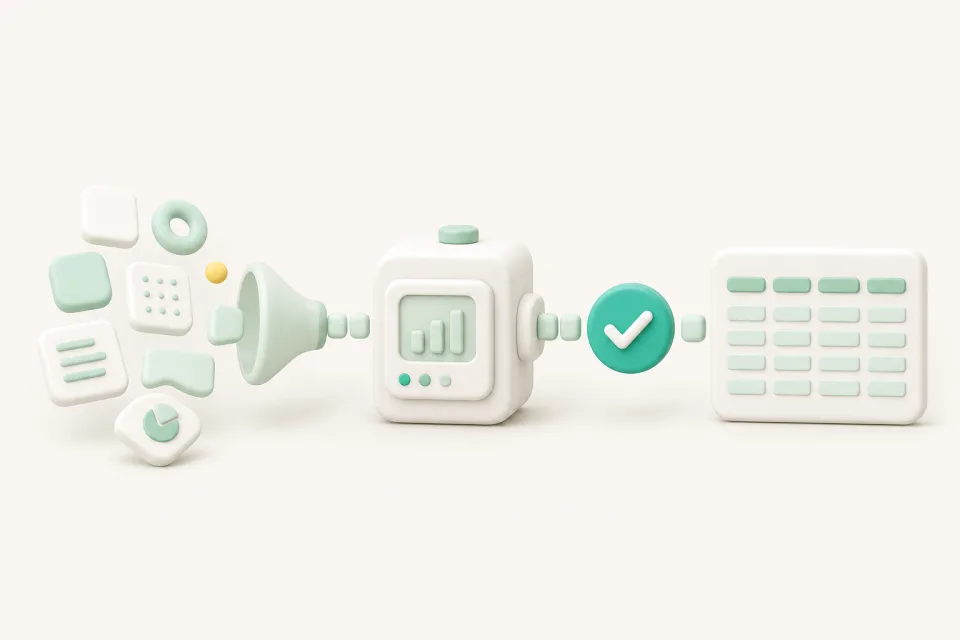
Reports, copy-paste data handling, and inquiry collation repeat in the same shape every week.
The same information gets re-entered into spreadsheets, messengers, and the CRM.
Only one person knows how a task is done — when they are away, the work stops.
You tried SaaS tools, but they did not match your team's workflow and you fell back to manual work.
We confirm together which work repeats and how often, then prioritize automation where the impact is largest.
Approval flows where staff verify automated results and handle exceptions are designed first.
Spreadsheets, messengers, and CRMs you already use get connected to reduce double entry.
Start with a small scope, and widen to the next task once it is stable — with an operating plan set together.
Not everything gets automated at once. Starting from a small, reviewable scope and widening it together with exception-handling rules is the safe adoption order.
Website, marketing automation, short-form, and chatbot are standard configurations that apply repeatedly across teams. Custom AX separately discovers each team's unique workflow and scopes the design.
Work with clear inputs and outputs, repeating rules, and definable exceptions fits best — reports, data cleanup, and inquiry classification and collation are typical.
No. Connecting the spreadsheets, messengers, and CRM you already use comes first. Tool replacement is discussed separately only when needed.
It depends on the number of tasks, integration scope, and exception-handling complexity. After reviewing your workflow in a consultation, we provide schedule and cost baselines by scope.
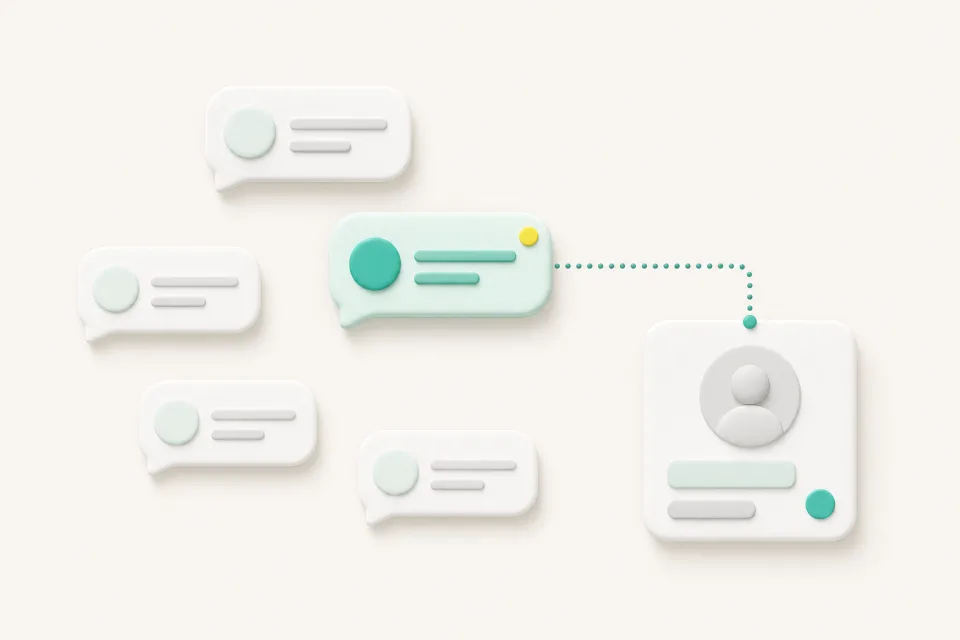
Most inquiries are repeated questions about hours, location, and booking. Here is why a chatbot should handle the repetition and route judgment calls to your staff.
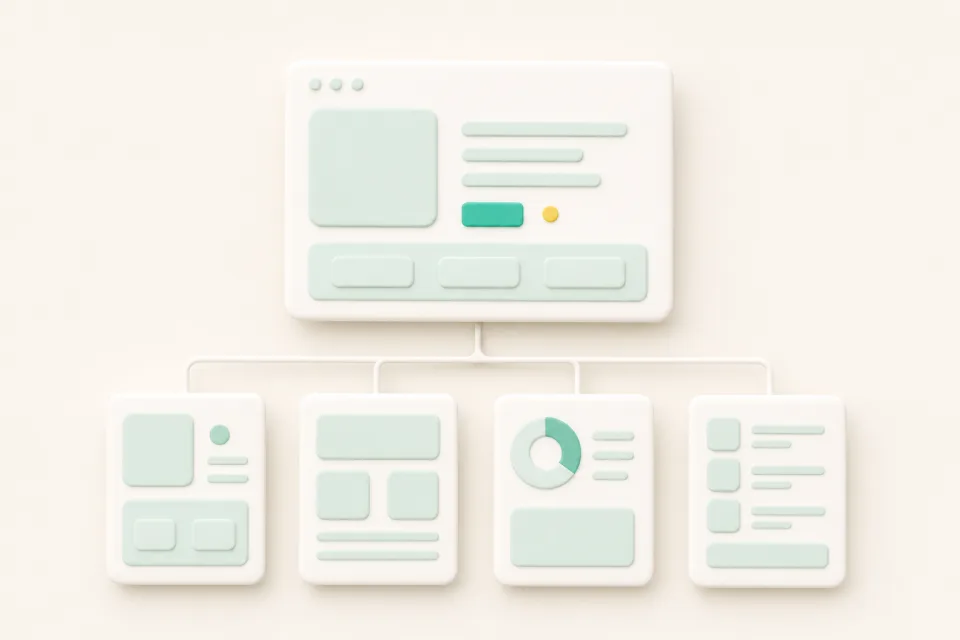
Your website is the base path where customers discover your service in search and AI answers, verify trust, and move to an inquiry. Here are the signs it is time to reorganize it.